

Picture this: You’re sitting outside on a crisp Saturday evening, the grill is softly hissing, friends are laughing in a cozy circle, and around you, your backyard feels like a scene from a home design magazine. The way the light falls, the places to sit and gather, the flow from one zone to another. Every detail pulls together, and you catch yourself thinking: “This is exactly how I wanted it.”
Getting to that moment? It’s never just luck. It takes planning, vision, and, lately, the help of advanced 3D landscape design tools. These digital tools promise anyone the chance to preview their dream yard from every angle, shuffle features around, and play with colors. The world of 3D design for outdoor spaces is wider than ever before. But does having powerful software always lead to outstanding results? Or is there something more to the magic that professionals bring—something that even the best 3D landscaping software can’t reproduce?
This article will walk you through today’s digital choices, how they can transform your outdoor ideas, and why, sometimes, handing things over to experienced designers like the team at Urban Oasis gives you a result that feels just right.
The magic is in the mix: vision, expertise, and the right tools.
What makes 3D landscape design so powerful?
Once upon a time, backyard plans sat on thin sheets of tracing paper. Clients squinted and tried to imagine what their new patio or lush green meadow would actually feel like. Today, with 3D modeling tools, anyone can stand inside a digital preview, spin around the space, test materials, and even change the light to see how a tree’s shadow might stretch across a pool on a summer afternoon.
- Immersive visualization: Instead of static, flat drawings, you tour your new space as if it’s already built.
- Easy changes: Trees too close? Hot tub in the wrong spot? A few clicks and, presto, things shift around without a single shovel of dirt being moved.
- Communication: There’s much less confusion. What you see is what you get—right down to the pavers, the layout, the color of the deck.
According to a study published in the National Center for Biotechnology Information, people using 3D visualization methods reported 30% greater satisfaction with their finished spaces than those who used only traditional plans. Maybe it’s not surprising. When you can see and “walk through” your ideas, choices become easier, and doubts shrink.
Types of landscape design software out there
The variety of tools available to visualize and plan outdoor spaces has exploded. Some are little more than digital sketchbooks, letting you drop simple plants or define a patio. Others are nearly professional-grade, used by architects and seasoned designers for everything from private gardens to vast public parks. Let’s break them down:
- Entry-level apps: Mostly aimed at homeowners or hobbyists. Think drag-and-drop trees, basic patios, rough shapes. Easy to use, but usually simple and sometimes a touch cartoonish.
- Mid-range software: Aimed at semi-professionals or “serious hobbyists.” You get better models, more detail, and sometimes tools for measuring, drawing slopes, or visualizing at different times of day. Results can be quite impressive, but there will be a learning curve.
- Professional landscape design programs: Used by companies like Urban Oasis, these have enormous libraries of plants, stone, lighting, and furnishings. They can do sun studies, topographic mapping, advanced rendering, and export to building teams. Powerful, but complex.
According to the USDA Forest Service, high-quality 3D simulation software is key to not only visualizing, but accurately planning and assessing outdoor changes—whether it’s in a backyard or an entire forest.
What can these tools really do?
Modern landscape design software often includes impressive features. With a good application, you can:
- Sketch out the whole property and draw in hardscapes, patios, and decks.
- Add in furniture, pergolas, pools, trees, and other elements to scale.
- Test out different plant types—sometimes even sorted by region and growing zone.
- “Walk” through the plan using a 3D camera, changing perspectives and viewing angles.
- Adjust lighting to see night and daytime views of the space.
- Export images and, in some cases, files for contractors or builders.
Still, there’s a wide gap between drawing a pretty 3D scene and creating a space that grows well, functions smoothly, and is buildable with your available budget and site conditions.
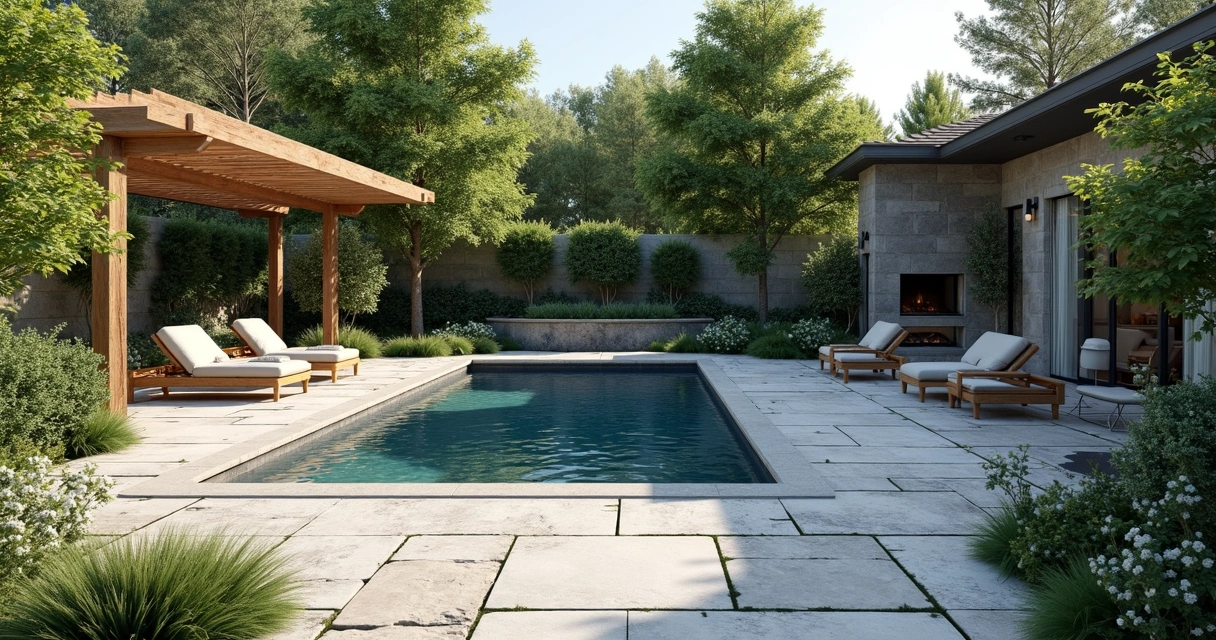
Popular features of landscape design software (a closer look)
Not every program is made equal. Some focus on realism, offering photorealistic walkthroughs. Others prioritize planting plans and growth projections. Here’s what you’ll find in many modern tools:
- Large asset libraries: Rows and rows of trees, shrubs, paving, lighting, water features, and more—all pre-designed, ready to drag into your plan.
- Sun and shade analysis: Adjust the time of day or year, preview shadows and sunlight, and understand how light changes over the space.
- Terrain modeling: Some software lets you alter the landscape, add slopes or hills, and see how these affect everything from water runoff to wheelchair access.
- Step-by-step construction guides: A few programs claim to generate blueprints or even instructions for DIY building teams.
- Material cost estimators: Get a ballpark (sometimes a real stretch!) estimate for the hard costs of building your ideas.
- Virtual reality support: Advanced tools may work with VR headsets for a fully immersive pre-build walkthrough.
3D design software can make your dream garden look real before it exists.
What do you lose when you DIY?
It’s tempting, right? The promise that you can design your own stunning backyard or commercial terrace, with all the excitement of an architect and none of the fees. But here’s where things get tricky.
Home design has always been a mix of aspiration and practicality. You know what you like, you know what you want. But—
- What about drainage?
- Does that favorite plant thrive in your soil and sun?
- How do you create privacy without losing natural light?
- Will the layout encourage guests to sit and linger?
- Is it possible to build that sunken fire pit where you imagined it, or does the slope make it a headache?
Many people (I’ve been one of them) start with bright ideas, only to find their plan hit an invisible mark. The images look good on-screen, but reality brings up big surprises, sometimes expensive ones. Do you tear up newly laid paving to fix drainage? Rethink furniture when nothing quite fits? Or call in a professional after frustration sets in?
According to the University of Georgia Cooperative Extension, professionals bring coherence and function to landscape plans, balancing beauty, maintenance needs, and the realities of construction. That’s experience at work.
Comparing software: what’s on the market?
There are dozens of programs, with new ones popping up every year. Some aim for user-friendliness, designed for total beginners. You pick from pre-set templates, swap in plants and pavers, and get a rough model. These can be great for brainstorming or checking ideas on the fly and serve to communicate some basic ideas to your builder or designer.
Mid-level tools add layers of options—terrain editing, plant age projection, color schemes—so you can play with more realistic scenarios. But navigating them can get tricky, and exporting a plan that a builder can actually use often isn’t so simple.
Professional-grade software, the kind used by teams like Urban Oasis, is layered with technical functions. You can create detailed construction documents, simulate water flow, analyze sun patterns for every season, and work at a level required for permits and large investment projects. This level of detail, however, is what makes the learning curve steep and the software intimidating for newcomers. When you see the detail in the project galleries at Urban Oasis project portfolio, you’re looking at the results of those kinds of tools, in expert hands.

Why professionals get better results
Let’s face it: most homeowners and property managers don’t have years to master complex design applications. Great results come from a mix of digital know-how, artistic vision, construction experience, and an understanding of nature’s quirks.
According to the U.S. Bureau of Labor Statistics, licensed landscape architects and seasoned designers usually hold degrees and certifications, with years of technical and practical experience. Every project—residential or commercial—brings unique site challenges. It might be unexpected soil conditions, tricky slopes, or local building codes. Knowing how to work with these, not just around them, separates amateurs from seasoned pros.
- Design intuition: Seasoned designers immediately see what flows, what feels off, and what’s possible given real-world constraints. It’s less about moving sliders and more about understanding the dance of shade, sunlight, comfort, and privacy.
- Budget awareness: Professionals design within your budget, suggesting alternatives that achieve the look without surprises when the invoices land.
- Local knowledge: Which plants thrive in your climate? How does your soil type affect tree choice? How do regional rains shape your drainage plan?
- Material knowledge: Sometimes, what looks great on a 3D model loses its charm when exposed to months of sun or snow. Pros recommend materials that last and keep looking good for years.
- Sustainability: Water-wise gardens, climate-friendly choices, native species—none of these are easy to preview in an app, but they matter for value and maintenance.
At Urban Oasis, for example, the team blends technical expertise, communication, and sustainable choices to ensure each design doesn’t just look great on the screen but actually thrives over time. And the design experience is personal. Consultations, revisions, approvals—a process that leads to satisfaction, not compromise.
Great design isn’t just beautiful; it’s buildable, livable, and grows with you.
Real stories: what customers actually experience
You can find lots of happy stories—and some real disappointments—from people who’ve used design software on their own. A few standouts:
- The snap-back: “I thought placing paths and patios would be easy. On-screen, everything fit. But nothing quite worked when we tried to lay it out, and the project ended up costing more as we had to redo things.”
- The maintenance surprise: “We picked all our favorite plants from the program’s library. The first summer, half of them struggled in our hot weather. We didn’t really know about local planting zones or soil needs.”
- The design rescue: “We started on our own but got lost in the details. When we brought in a designer, they adjusted the flow, fixed our drainage issue, and found a way to add in a plunge pool we thought wouldn’t fit. The 3D renderings helped us see the whole plan come together.”
In fact, studies from the University of Michigan show the value of participatory design—software can certainly help regular people understand and visualize plans, but consistent success comes with expert support and guidance. That’s because good design involves conversation, insight, and a clear process (not just digital magic).
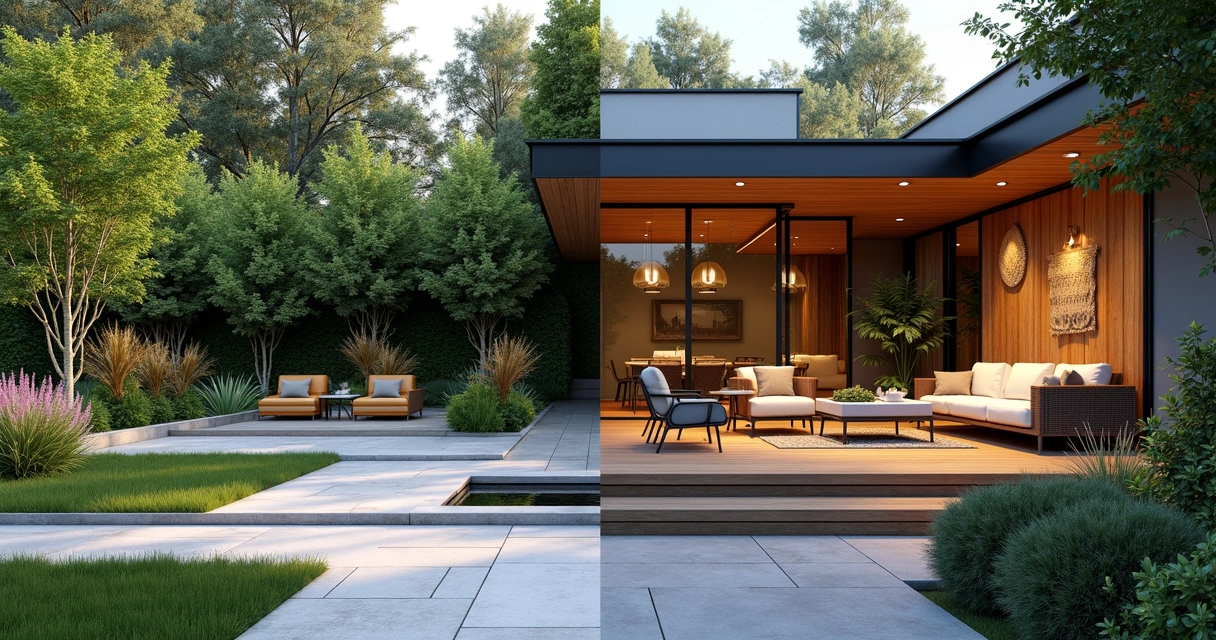
Do-it-yourself vs. professional design: side by side
If you’re trying to decide whether to tackle your landscape with design software or call in professionals, here’s a quick comparison to consider:
- Speed and simplicity: DIY software is usually fast for basic visuals—handy for small, straightforward spaces. Professional plans may take longer but get you a complete path from vision to build.
- Design depth: Pros create spaces that account for function, flow, sustainability, safety, and ease of maintenance—often in ways that are hard to predict on your own.
- Real-world results: Software can’t replace human experience. Buildable, beautiful solutions require hands-on, site-specific adjustments. Programs give a taste of what’s possible but can struggle with “what’s practical.”
- Investment value: Spending on professional design typically adds value and usability that stands the test of time—often paying back when you enjoy your yard every day or sell the property.
For more on how good planning pays off outdoors, see this landscaping guide for tips, processes, and the benefits of working with the right team.
When should you try the software yourself?
Of course, there’s nothing wrong with testing ideas in a digital “sandbox.” Sometimes, a simple sketch or quick model can help you communicate what you’re dreaming of. It’s a great way to:
- Share ideas with family or design teams.
- Experiment with color, placement, or plant groupings before moving ahead.
- Visualize different furniture layouts or outdoor lighting schemes.
But for transforming large spaces, working with multiple materials, or needing permits? That’s when calling in 2D and 3D design professionals makes every step clearer.
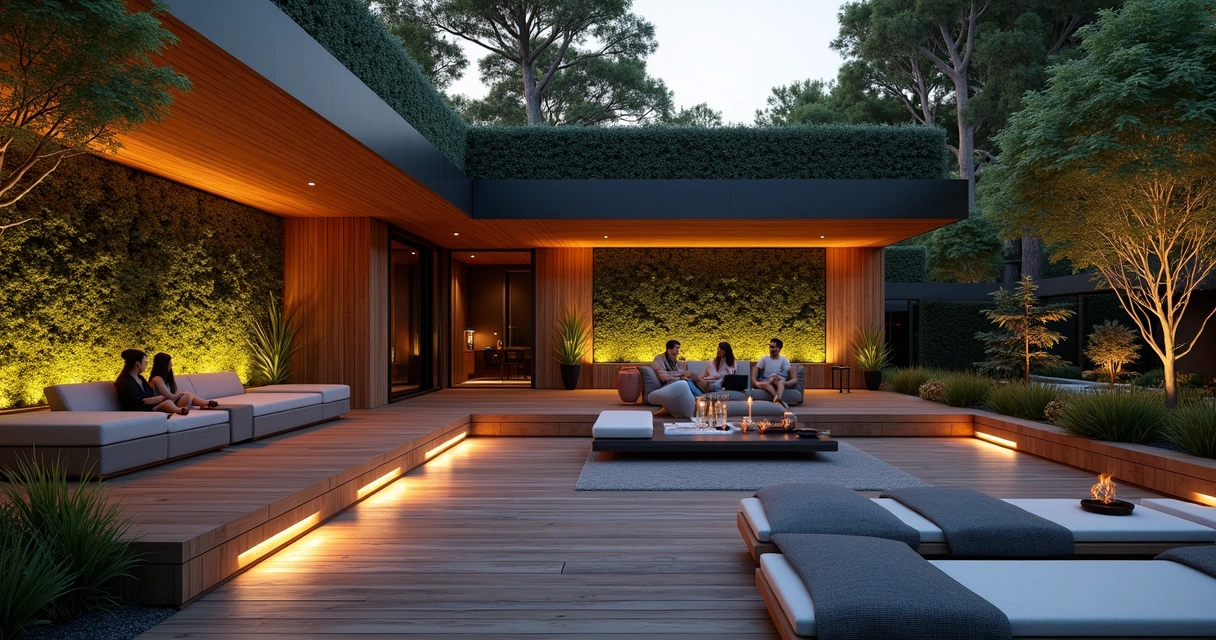
What professionals bring that software can’t
There’s a side to landscape design that algorithms and code can’t reach. Here’s what seasoned designers contribute, beyond what’s inside the computer:
- Listening skill: Understanding your hopes, lifestyle, and how you’ll use the space day and night.
- Creative collaboration: Adjusting plans as you uncover needs you hadn’t thought about—maybe you didn’t realize you wanted shade until you “walked” through your digital model, for instance.
- Technical mastery: Seeing hidden limitations, like how wind shifts or how water will pool after rain, and planning for them from the start.
- Construction guidance: Creating plans and instructions that builders and installers can follow—saving time, mistakes, and money.
- Lifelong value: The result isn’t just a yard or patio, but a living space that matures, adapts, and always feels inviting.
Every project, big or small, benefits from expert vision and a smooth process, available through professionals like Urban Oasis. Whether it’s selecting the right landscaping solutions or blending decks, pools, and gardens, their experience builds more than just outdoor beauty. It brings peace of mind and lasting satisfaction.
“Great design is less about the software, and more about the partnership.”
Conclusion: your dream landscape—from plan to reality
Technology has changed what any of us can imagine for our outdoor spaces. 3D backyard design software offers an exciting, interactive way to see ideas come alive and share them with friends, family, or design teams. It shortens the gap between dream and detail.
Yet, as easy as software can make things seem, the leap from screen to real-world success depends on more than digital skills. Good design means marrying vision, practicality, and deep expertise in everything from plant care to construction methods. When you work with landscape professionals like Urban Oasis, you’re not just buying talent; you’re securing a process that listens, adapts, and ensures your backyard will delight you for years.
If you’re thinking about transforming your outdoor space—and want to feel confident from the first sketch to the grand opening party—reach out and let’s bring your ideas to life. Fill out our form and we’ll help craft the perfect backyard for relaxing and entertaining, just the way you want it.
Frequently asked questions about 3D landscape design software
What is 3D landscape design software?
3D landscape design software is a computer application that allows users to create virtual outdoor spaces in three dimensions. With these tools, you can draw patios, lawns, decks, and plantings and then view the entire setup from multiple angles. Features often include realistic visuals, sun and shade studies, and the ability to add or adjust furniture and lighting with a few clicks. According to the USDA Forest Service, such software is powerful for visualizing and presenting possible changes before building begins.
How much does backyard 3D design cost?
Pricing ranges a lot. Some entry-level apps are free or cost a small one-time fee, while professional-grade programs come with expensive licenses. However, when hiring a landscape design company to handle the process (with advanced software plus expertise), costs depend on the project scope, property size, and requested features. Investment in professional design commonly pays off with higher satisfaction and fewer mistakes. Sometimes, fees for design can be credited toward construction work or bundled into packages—always check what’s included. For a close look at the professional process, see Urban Oasis’s 2D and 3D design service overview.
What are the best tools for landscaping?
“Best” depends on your goals and experience. Homeowners might enjoy beginner-friendly apps with basic block layouts and plant libraries, especially for small-scale visualization. Advanced users and professionals use feature-heavy programs, which let you work in high detail, export construction documents, simulate water and sun, and check cost estimates. But no tool replaces the knowledge and creativity of an experienced landscape designer. For more insight into the planning and design process, you can read this landscaping guide.
Is DIY 3D landscaping software worth it?
DIY 3D landscaping software can be helpful for simple projects, idea sharing, or getting a feel for what you might want. It works well for visual brainstorming and showing basic layouts. However, if your project includes complex grading, advanced materials, plumbing, electrical, or needs permits, professional help is wise. According to the University of Georgia Cooperative Extension, hiring a professional yields more cohesive, functional, and resilient outdoor spaces.
Where can I find top landscape designers?
It pays to look for teams with a track record, technical skills, and positive client feedback. Professional designers, such as those at Urban Oasis, combine the latest design software with local plant and construction expertise. You can explore recent project examples and learn more about available landscaping services offered through their official pages. Checking portfolios, customer ratings, and asking about the design process are smart steps toward finding the right partner.